
Download WinPatrol – System Protection, Computer Security, Registry Monitoring, Homepage Protection, Startup Monitoring, Security Tool, Windows Utility
Overview
WinPatrol is a dedicated Windows utility designed to safeguard your system by monitoring critical components for unauthorized changes. Its primary purpose is to maintain system integrity by alerting users to modifications in the Windows registry, startup programs, scheduled tasks, and browser settings. This proactive approach helps users detect and prevent potential threats, including malware that attempts to alter system behavior without consent. The app is particularly useful for individuals who prioritize control over their digital environment and want to ensure their default homepage and search engine remain unchanged.
Target users include both casual and advanced PC users who value system stability and security. While the app does not require technical expertise, its detailed monitoring capabilities offer meaningful insights for those who wish to understand how their system is being used. WinPatrol operates as a security tool that enhances transparency, empowering users to make informed decisions about system changes. In the broader app ecosystem, WinPatrol fills a niche for lightweight, real-time monitoring utilities that focus on prevention rather than reactive cleanup.
The developer, WinPatrol, has not provided additional background details. Specific use cases include protecting against browser hijacking, detecting suspicious startup entries, and maintaining a clean system configuration. Although the developer did not list formal performance metrics, the app’s file size of 24.5 MB suggests a low resource footprint, which supports efficient background operation.
Key Features & Functionality
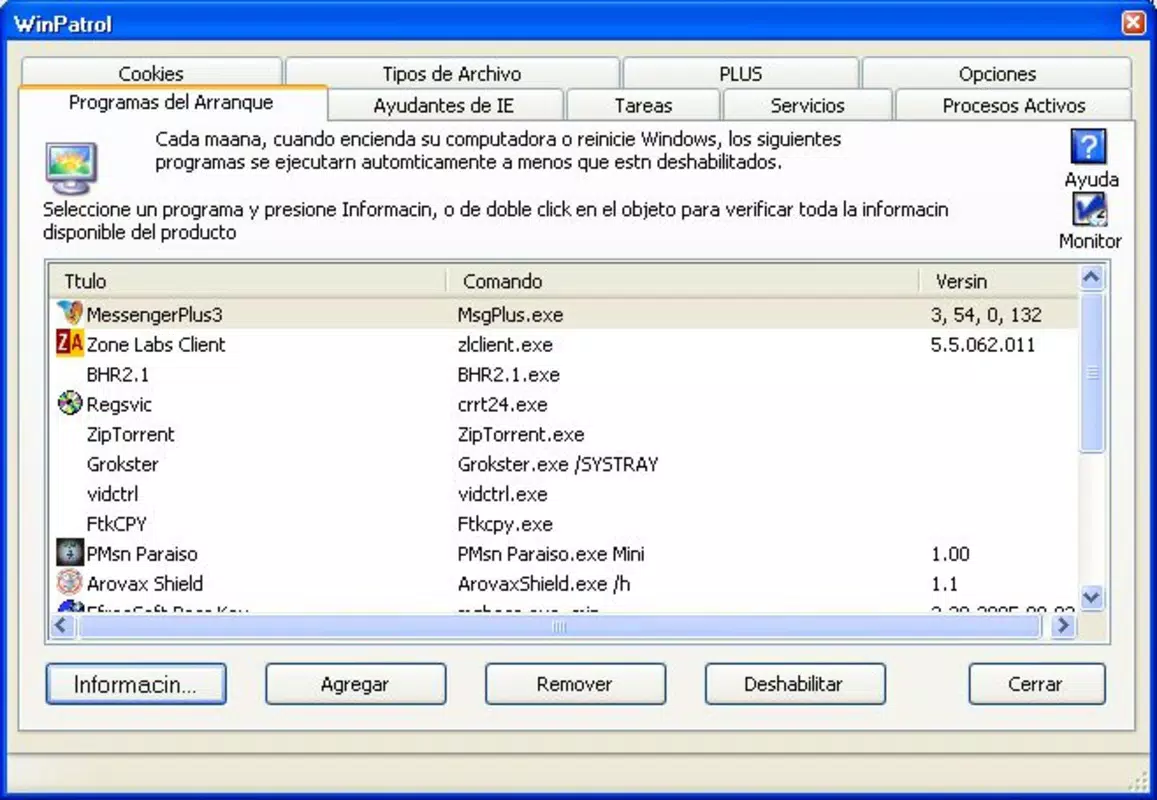
- Real-time Change Monitoring: WinPatrol continuously scans the registry, startup items, and scheduled tasks. If any unauthorized change is detected, the user receives an immediate alert, allowing for quick review and action.
- Homepage Protection: This feature ensures that your default homepage and search engine settings remain unchanged, shielding your browsing experience from malicious or unwanted modifications.
- User-Friendly Interface: The interface is designed to be intuitive, presenting system change logs and status updates in a clear, organized layout suitable for users of all skill levels.
- Customizable Alerts: Users can adjust alert sensitivity to receive notifications for all changes or only significant ones, offering flexibility based on personal security preferences.
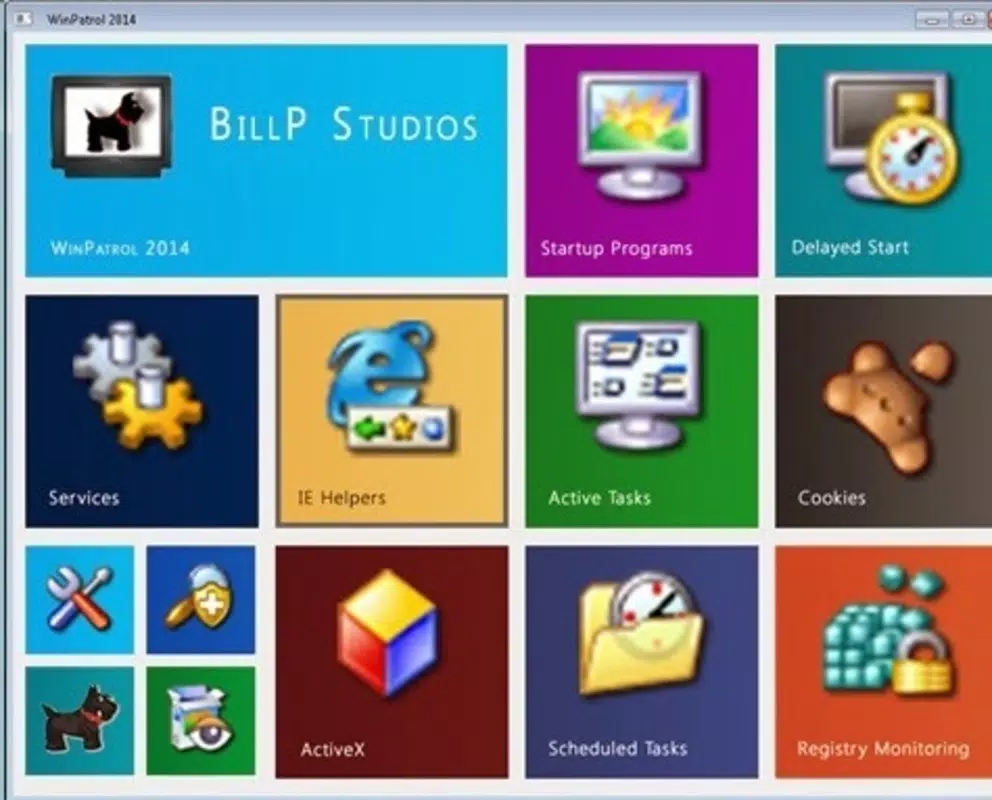
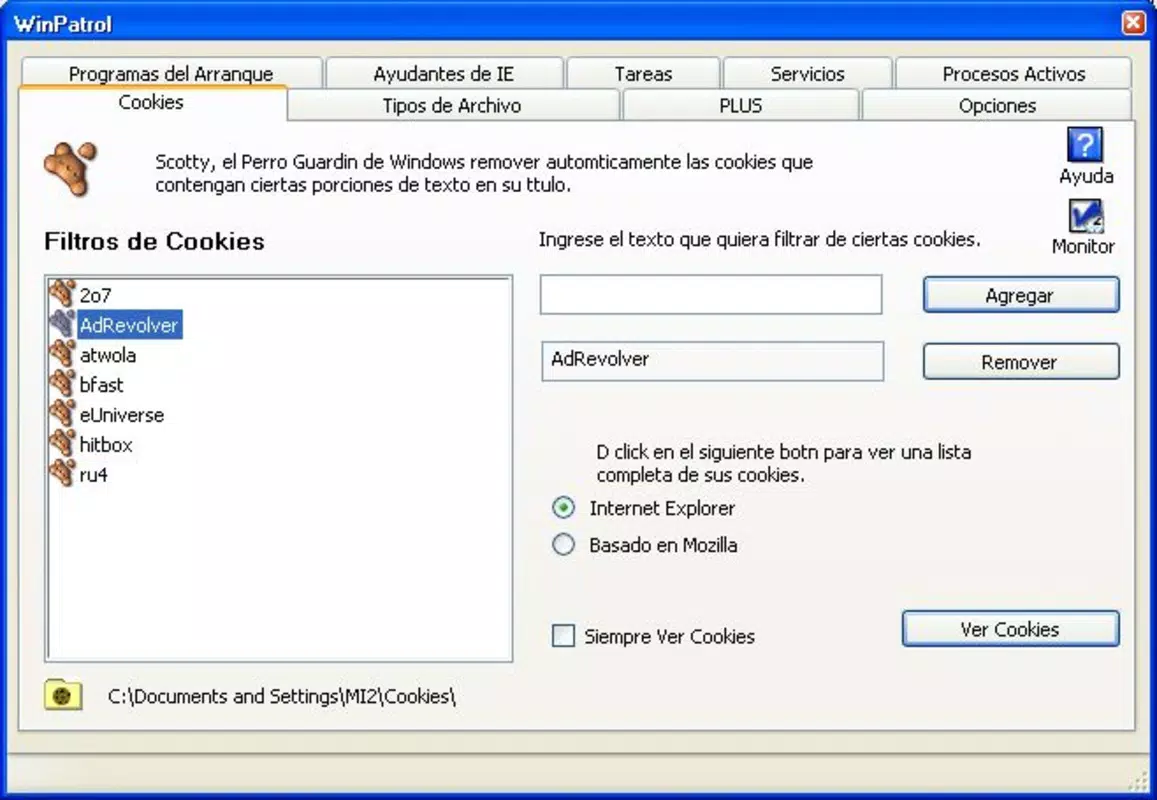
- System Overview Dashboard: A centralized dashboard displays key system data, including active processes, scheduled tasks, and cookie activity, enabling users to maintain a comprehensive view of system health.
For example, if a program attempts to add itself to the startup list without user consent, WinPatrol will notify the user immediately. Similarly, if a browser extension tries to change your homepage, the app will flag the event. This level of visibility helps users maintain full control over their system’s behavior and settings.
Interface, UX & Performance
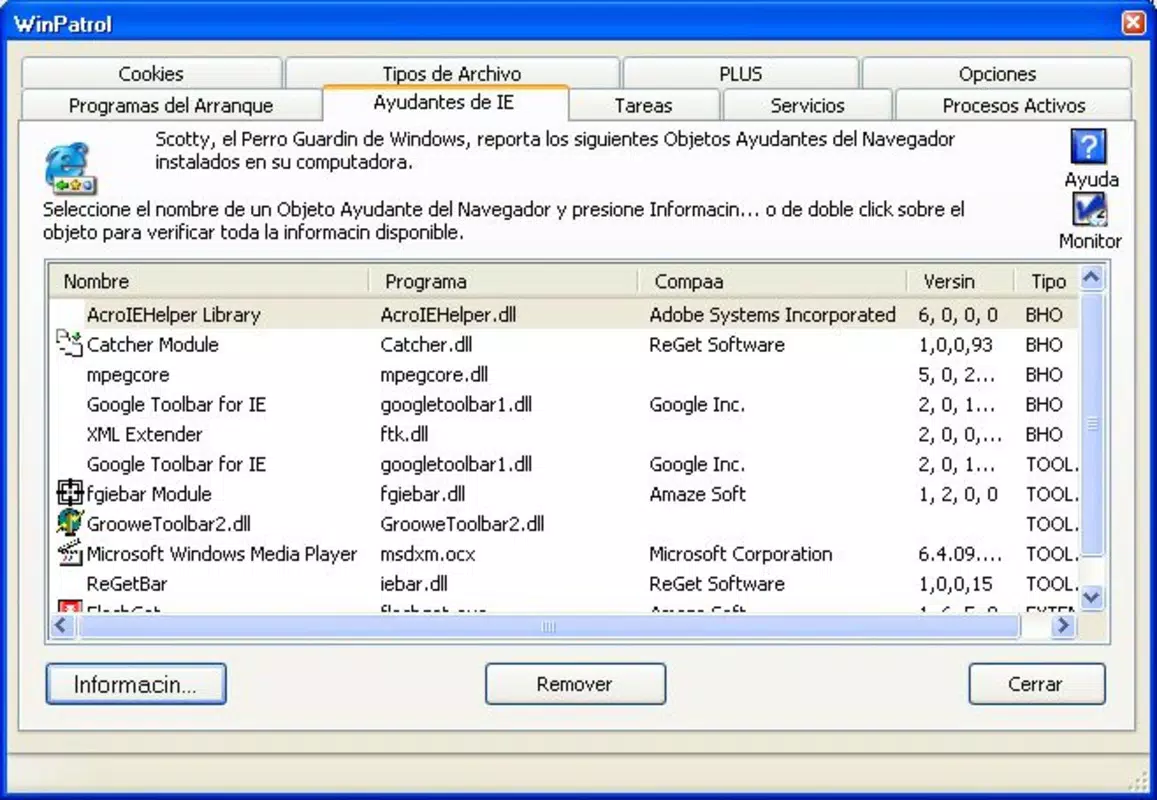
WinPatrol features a clean, straightforward interface that emphasizes clarity and accessibility. The layout is organized into logical sections, with the dashboard serving as the central hub for system status and change logs. Navigation is intuitive, allowing users to quickly access monitoring reports, alert history, and configuration options.
Visual design prioritizes functionality over aesthetics, using clear icons and color-coded indicators to highlight critical changes. The app maintains a consistent layout across different screen sizes, ensuring usability on both standard desktops and larger monitors. Although the developer did not list formal performance metrics, the 24.5 MB file size suggests efficient memory usage and minimal impact on system resources.
Responsiveness is maintained during active monitoring, with alerts appearing promptly when changes occur. Stability appears consistent, as the app runs in the background without causing system slowdowns or crashes. The user experience is enhanced by the ability to customize alert behavior and review historical changes, contributing to a sense of control and security.
Platform Compatibility & Technical Requirements
WinPatrol is designed for the Windows platform and is compatible with current versions of the operating system. The app has a file size of 24.5 MB, which is relatively small and suitable for systems with limited storage capacity. The software version is 2.5.3, indicating a stable release with established functionality.
The developer did not specify minimum OS requirements or exact compatibility details. However, given the app’s focus on core Windows components like the registry and startup processes, it is likely compatible with Windows 7 and later. No additional hardware specifications were provided. The app is available at no cost, making it accessible to a wide range of users seeking reliable system monitoring.
Pros and Cons
Pros
- Lightweight design with minimal system resource usage
- Real-time monitoring of critical system components
- Effective homepage and browser setting protection
- Intuitive interface suitable for non-technical users
- Customizable alert settings for personalized security
- Free to download and use
Cons
- Developer did not provide detailed system requirements
- No mobile or cross-platform availability mentioned
- Limited to Windows operating system
- Specific performance data not disclosed
- No built-in repair or removal tools for detected changes
FAQ
Is WinPatrol safe to install on my PC?
Yes, WinPatrol is designed as a security utility and does not contain malware. It monitors system changes to help users maintain control over their environment.
Can I use WinPatrol on older versions of Windows?
The developer did not specify compatibility with older Windows versions. It is recommended to check system requirements before installation.
Does WinPatrol require a paid subscription?
No, WinPatrol is available for free. There are no in-app purchases or subscription fees.
How often does WinPatrol update?
Updates are released periodically to improve stability and compatibility. The current version is 2.5.3, and users are encouraged to keep the app up to date.
Can WinPatrol remove malicious changes automatically?
WinPatrol alerts users to changes but does not automatically remove or repair them. Users must manually review and decide on actions.
Final Thoughts
WinPatrol stands out as a reliable, lightweight utility for users who want to stay informed about changes happening on their Windows system. Its focus on real-time monitoring, homepage protection, and customizable alerts makes it a valuable tool for maintaining digital control and security. While it does not offer automated cleanup, its transparency and ease of use empower users to take action when needed.
Those who value system integrity and wish to prevent unwanted modifications will benefit most from this tool. It is especially useful for users who frequently install new software or are concerned about browser hijacking and registry tampering.
With a free price point, minimal system impact, and a clear purpose, WinPatrol delivers strong value in its niche. It complements other security tools without duplicating their functions.
Download WinPatrol now


